
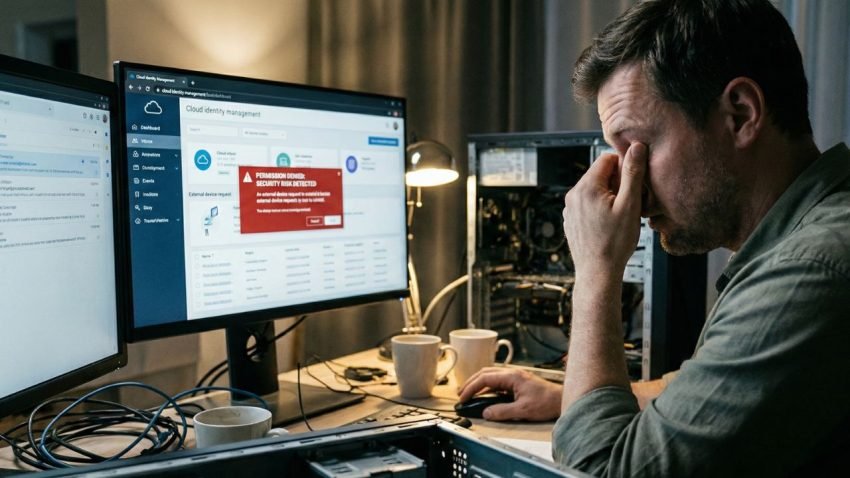
A lot of people enter the tech field because they like building gaming PCs. They love the hardware. They love the feeling of snapping a GPU into a motherboard, routing the cables perfectly, and pressing the power button to see the fans spin up.
But if you want a career that lasts, you have to look beyond the metal box.
The industry has changed. Companies aren’t keeping all their servers in a closet down the hall anymore. They are moving everything to AWS, Azure, and Google Cloud.
What this means is simple: The job has changed. You aren’t just fixing physical machines. You are managing access to invisible ones.
The New Role: Data Guardian
This is where the definition of a modern computer support technician gets a major upgrade.
In the past, your job was to make sure the computer turned on. Today, your job is to make sure the data is safe, accessible, and compliant.
You might hear industry terms like “Cloud Governance” or “Risk Mitigation.” These sound like boring management buzzwords, but they are actually part of your daily reality.
Here is a concrete example: A sales manager wants to access a sensitive client folder from their personal iPad while sitting at a coffee shop.
- The old way: You just help them connect to the Wi-Fi and make sure their password works.
- The new way: You have to know the governance policy. Is that device secure? Is the connection encrypted? Does the company allow “Bring Your Own Device” (BYOD) for that specific level of data sensitivity?
If you say “yes” without checking, you didn’t just help a user; you potentially created a security breach.
Understanding “Governance”
So, what is Governance? It’s basically the “Rules of the Road” for the cloud.
The curriculum for modern IT pros doesn’t just stop at “how to use the cloud.” It covers the risks of using it. It covers compliance.
If you are studying for certifications like CompTIA Cloud Essentials+, you will see that a huge chunk of the learning isn’t technical code—it’s business logic. It’s understanding why we lock certain files, not just how to lock them.
This is the side of the job nobody talks about on Reddit forums. They talk about thermal paste and frame rates. They don’t talk about compliance standards or data sovereignty. But in a corporate environment, understanding these rules is what makes you valuable. It keeps the company from getting sued and keeps the data from getting stolen.
Learning the Hybrid Skill Set
This is why the method of learning matters.
You can’t just watch a random YouTube video on “how to build a PC” and expect to get hired in a corporate environment. You need a structured computer technician course online that combines the nitty-gritty hardware skills with these high-level cloud concepts.
You need a hybrid skill set. You need to know how to troubleshoot a blue screen (the hardware side) and how to configure a cloud user permission set (the governance side).
Employers are desperate for this combination. They have plenty of people who can fix a printer. They have very few people who understand how that printer interacts with the cloud network securely.
The “Micro-Learning” Factor
Because these rules change so fast, the way you learn them has to change, too.
You don’t have time for a four-year degree that teaches you theory from five years ago. You need “micro-learning.” This is an industry term for learning in short, focused bursts.
You learn the specific security protocol, you take a quick assessment, and you apply it. Then you move on to the next module. This keeps your knowledge fresh. It’s how you stay ahead of the curve without burning out.
The Gatekeeper
The bottom line is that the support technician is the gatekeeper.
You are the first line of defense. When a user tries to do something risky—like downloading a weird file or bypassing a security filter—you are the one who has to spot it.
So, when you are looking at training, don’t just look for the fun hardware stuff. Look for the curriculum that talks about Security, Risk, and Cloud Principles. Look for the program that prepares you for the CompTIA exams that cover these topics.
That is the stuff that turns a job into a career. Anyone can swap a hard drive. Only a professional can protect the data inside it.